Containers Rallly - a simpler way to set up meeting times Yes that's three l's there. And yes I said simpler, though to be honest I'm not so sure. Rallly is a poll creator, which allows you to give date and time options to friends or work colleagues to help set up a specific meeting
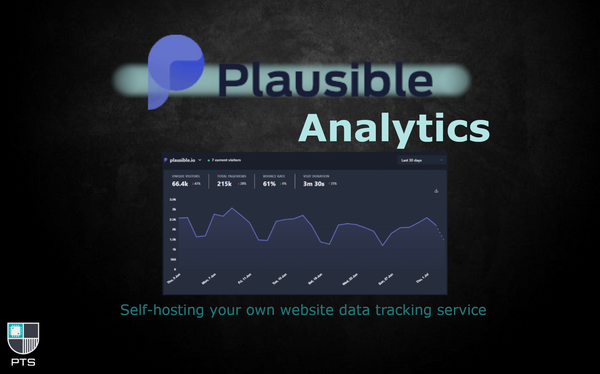
Containers Necessary? No. Helpful? Possibly. Plausible? Definitely. As someone who is both security conscious and curious as to how many people visit these articles I write, I've been interested in adding some analytics tracking to my site. I've got Google Analytics working pretty well, but like all home-labbers with a healthy weariness of
Containers Paperless NGX, Synology and Office Docx Paperless NG has been around for a while, and is an extremely powerful tool to manage your scans. Not only can it read and store most file types (some by converting to pdf) it can also learn the types of documents you regularly use, apply metadata automatically and make everything
Containers Adding Commento++ To Your Blog Some blogs (like this one) are primarily intended to provide assistance and guidance to those who need it. Other blogs may be people's thoughts and ramblings, poetry or content they've created, or any number of other things. What they all have in common though is community,
Containers OwnCloud: your private, shareable file storage cloud Cloud access to your files, like Google Drive, Box, One Drive, Dropbox... there are more... has become big business recently. It's something which allows us to access our documents wherever we are, on almost any platform. While I believe they still have a place for most home users
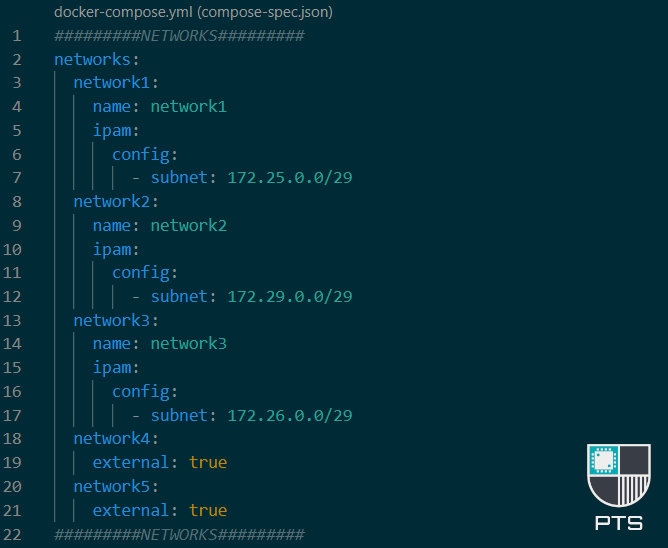
Docker Advanced Networking in Docker-Compose Networking in docker can be confusing. I've written some more basic info about it here which you can read before this article if necessary, and there's a little more on it here too under point 4, 'Define a network'. If you create a docker-compose
Containers eBook management and automation using Calibre, Calibre-Web, and Readarr About 10 years ago I was handed a 150GB ebook library consisting of I don't know how many sci-fi books. It's a lot, and needless to say, I'll never manage to read them all in my lifetime. Since I bought my NAS they'
Containers Updating your containers with Diun and Watchtower So you've fallen in love with docker and gone a little container crazy. You're self-hosting everything you can and then some, and you've got databases for your databases. Or you've just got Plex and you're doing fine. Either way, you
Home Assistant Home Assistant - first steps after installation 💡UPDATE 2023: Please note that the Supervisor tab referenced below has since been removed, and the Add-on store and installed apps can now be found in Settings > Add-ons If you're here, then you've probably already read up about Home Assistant and have a decent idea
Containers Featured Creating and securing your reverse proxies with SWAG and Authelia Reverse proxies are a great way to access services and apps on your NAS when you're not on your local network. It's also a more secure way to allow others to access your website or service than giving them your public IP address and forwarding your
Docker Featured Getting the most out of docker-compose There are a number of ways to create your docker containers. You can use the docker run commands in SSH, you can use a proprietary system GUI such as the ones provided by Synology or UnRaid systems, or, you can use docker-compose. If you're reading this I'
Containers Installing Vikunja in Docker Vikunja is a well-respected to-do / task based app which gives you a fair amount of functionality and options. You can use lists, kanban or gantt charts, and you can share and collaborate with other users. Today we'll look at how to self-host it. We'll be using
Docker Getting Started With Docker Disclaimer I am not a developer, nor do I work with dockerfile. I do not create or manage or maintain docker images, and in almost every use case I have I will only ever pull an image rather than use docker build or clone the repository. The following is purely
Containers Portainer - Easy Container Management 💡EDIT: Since the original article, Portainer has launched a dark-mode theme, and also gone through a general redesign. Everything below is still accurate, however some buttons and layouts have changed slightly. If anything really doesn't make sense anymore, let me know in the comments at the bottom of
Containers Setting Up MySQL + phpMyAdmin Containers MySQL, MariaDB, Postgres... Databases are extremely useful. As containers, they can also be resource intensive, so you probably don't want too many. The below walkthrough shows you how to create a single server with the ability to create multiple databases for any MySQL need you have. For those
Containers Featured Configuring Prowlarr for Sonarr & Radarr The chances are a lot of us bought our NAS devices to, at least in part, run a media server on them. We all have our (legal) methods for obtaining our content, and a lot of us use Radarr, Sonarr and the other 'arr' apps to automate our
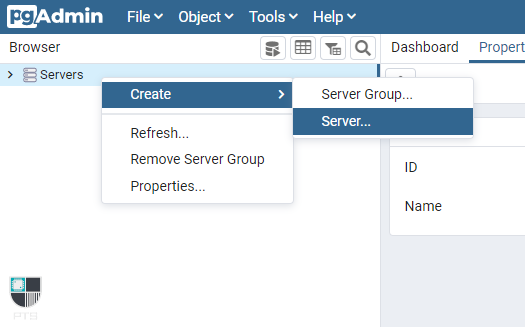
Containers PostgreSQL + pgAdmin4 Docker Containers Databases are extremely useful. As containers, they can also be resource intensive, so you probably don't want too many. The below walkthrough shows you how to create a single server with the ability to create multiple databases for any postgres need you have. For those interested, I explain
Containers Multi-Use Databases in Docker As you delve further into containers and different types of services, you'll most likely start to come across docker-compose stacks which include their own databases. These tend to be photo servers like PhotoPrism, file-hosting or -sharing apps like Nextcloud/Owncloud, or wiki/blog containers like Wiki.js or
Synology Broken Indexing on Synology Photos in DSM 7 After recently upgrading to DSM 7 following a Mode-2 reset, I decided to give their new Synology Photos app a try. If you're unaware, this single app now replaces both PhotoStation and Moments, has built in recognition for objects and faces, and has both an Android and iOS
Synology Synology Tools Synology is sometimes treated like it's simply another regular Linux distro, but that's not accurate. There are certain packages and options available to Debian etc. that are either not common, or just not possible on Synology. Below are some lesser known ways to get access to
Synology The Swap File I can't stress this enough - you really, really shouldn't be messing with your swap file! But I know that people will. And people don't always just want to restart their system to start with an empty swap file every X days or hours.
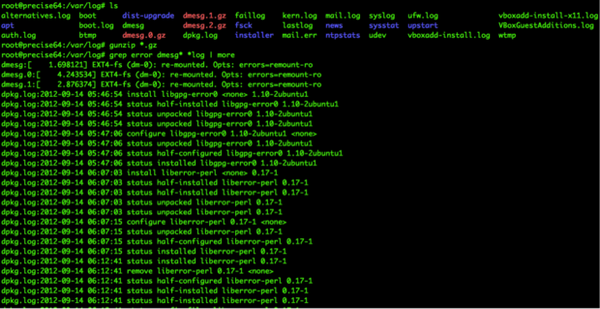
General Finding your Synology Logs The Synology logs can be found in a few ways, and each way provides varying levels of detail. Two of these methods are only usable via the DSM gui. Non-DSM SSH You can SSH in to your machine and navigate to /var/logs which will list out your whole log
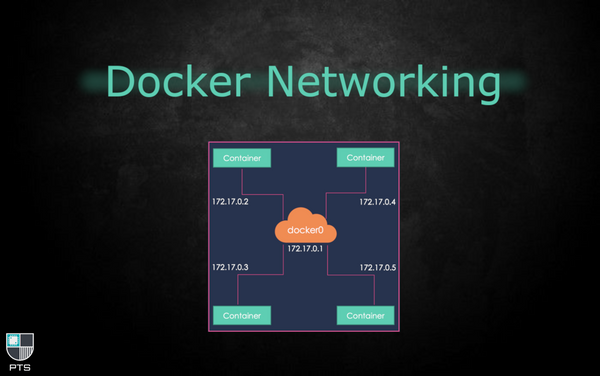
Docker Docker Networks Networking in docker can be confusing. Containers can connect to one or more docker networks (not to be confused with your home LAN network) at any given time. As in the cover image for this post, the IP address of your docker (bridge) networks will start with 172. Traditionally, the
Docker How to Install a Container There are a number of ways you can install a container. Here we'll cover the main methods. Synology Docker Package UI If you don't have a Synology NAS then move on to the next method. The docker package installation for Synology DSM comes with its own
Synology Migrating Plex ...From Synology to Docker 💡UPDATE: This post was written in the early days of DSM 7, however the methods for migrating your PMS to docker (or even docker to docker) are still the same Given the challenges the Plex team has faced in delivering a stable native Synology package from